app ·
Introducing PromptCut: Edit Videos at the Speed of Thought
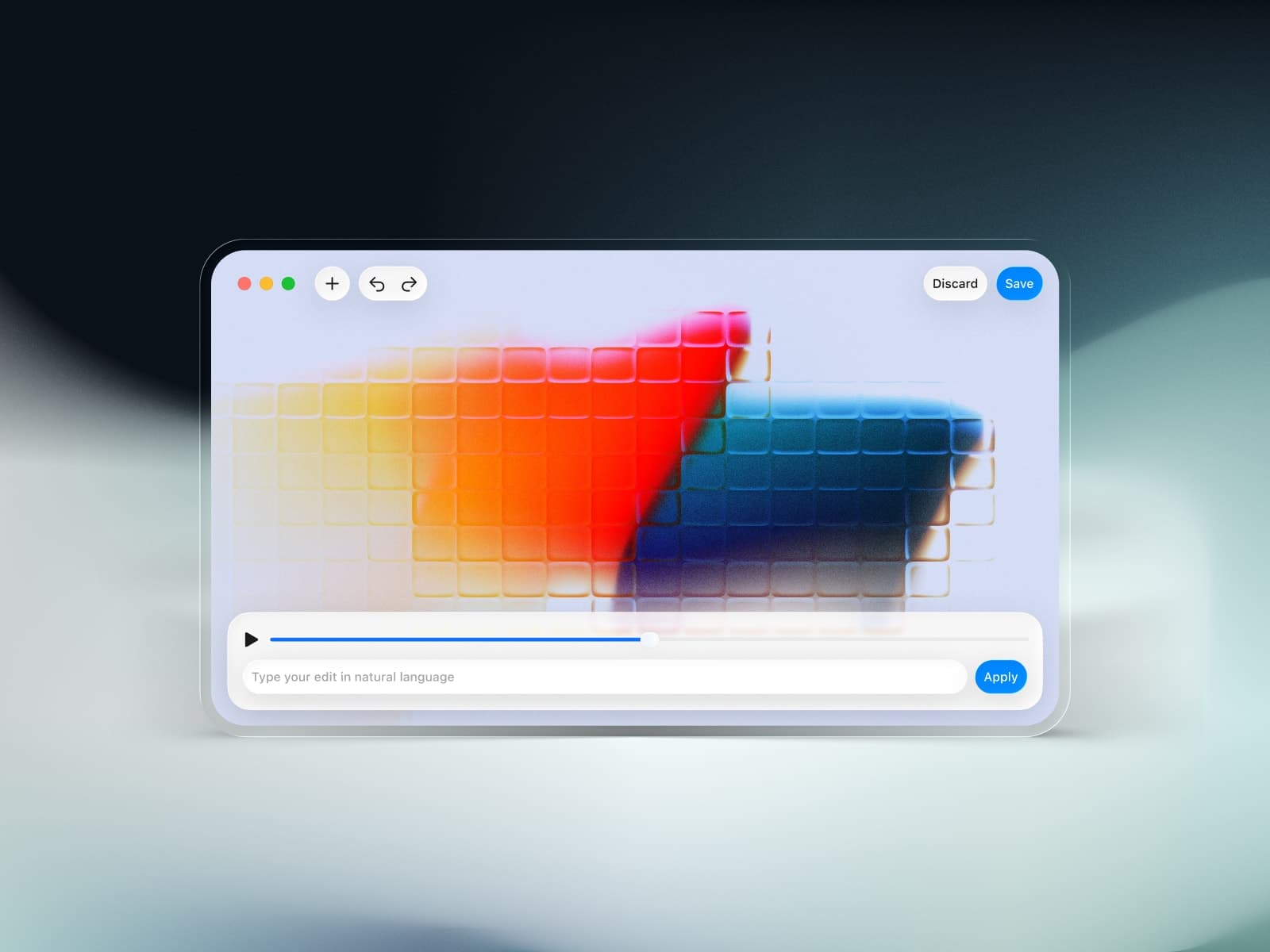
Editing video clips can be surprisingly painful. Even for the simplest tasks, trimming a clip, converting it to a different format, extracting audio, or merging a couple of shots, there’s usually a long chain of steps across different tools. Clicking through timelines, wrestling with export settings, opening yet another app… it all adds friction to the creative process.
What PromptCut Actually Does
At its core, PromptCut gives you the power of video editing without the traditional UI clutter:
- ✂️ Trim and cut clips by describing exactly where to cut
- 🔄 Convert formats (like turning MP4 into GIF or MP3), just tell it what you want
- 📐 Resize, crop, rotate, or flip your footage
- 🎶 Extract audio or merge multiple clips together
- 🐇 Loop, speed up, or slow down your video
- 📸 Capture thumbnails or reverse clips in a few words
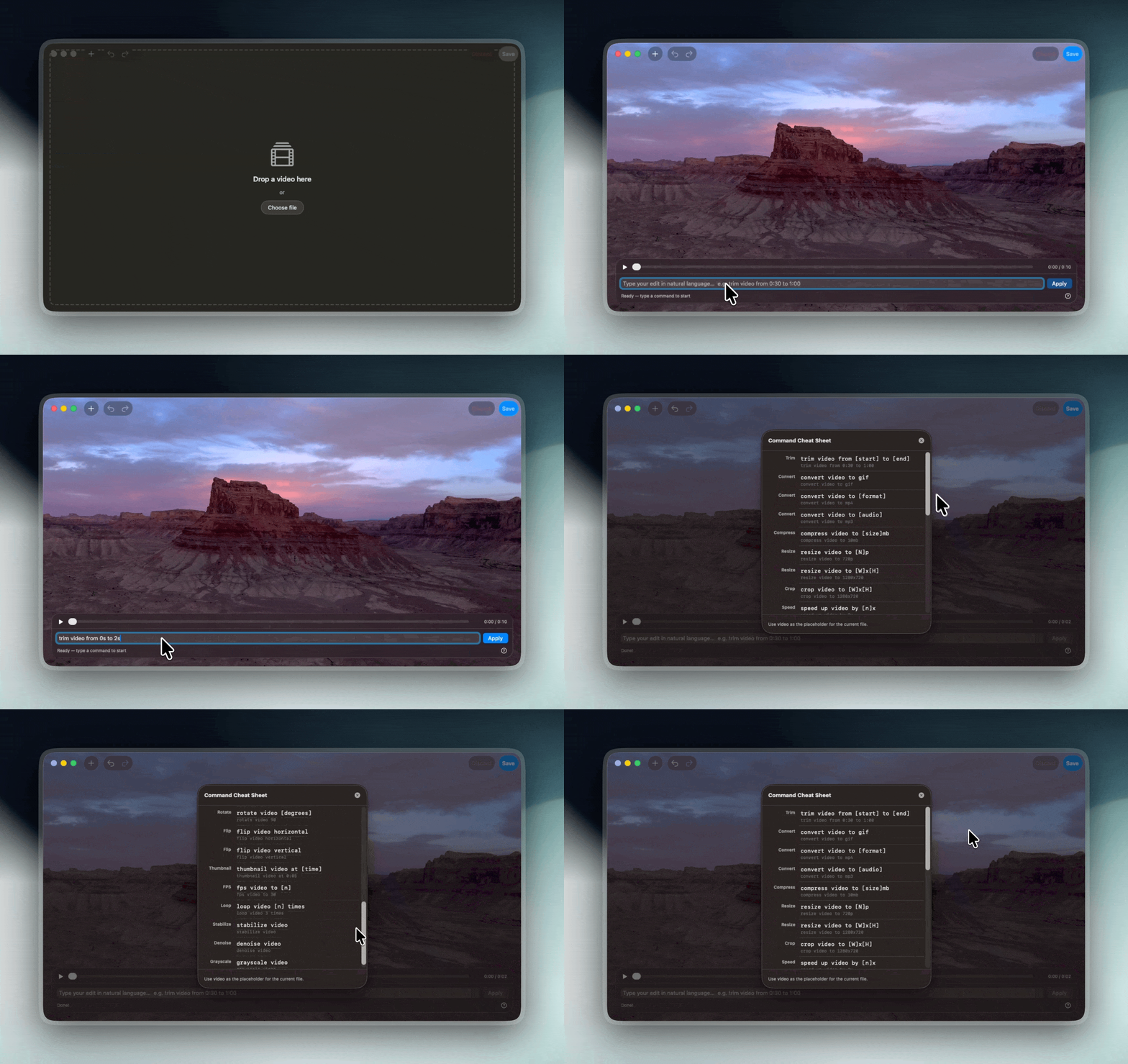
There’s no timeline dragging, no hidden menus, no hunting for the right button. You simply upload your footage, describe your edit in natural language, and PromptCut interprets it into the actions you intended. Under the hood, it translates your words into powerful ffmpeg video commands and gives you the result instantly, all locally and offline, without any AI API calls or cloud uploads. (promptcut.legault.me)
Why I Built PromptCut
I’ve spent countless hours working with videos, whether for tutorials, social clips, or presentations. Time and again I hit the same bottleneck:
Even the most basic edits feel too complex and fragmented, and when you’re trying to stay in flow, that breaks everything.
Most editing tools, from lightweight mobile apps to desktop editors, assume you want to climb a learning curve. They put timelines, layers, panels, and settings front and center, even when all you need is a simple clip cut or a quick conversion. Tools that simplify things often restrict what you can do, lock features behind templates, or require jumping through multiple screens.
I wanted something that felt simple and expressive, without masking power. The idea was to let someone just say what they want, like:
“Trim video from 2s to 10s"
"Convert video to GIF”
“Resize video to 1080p"
"Extract audio”
and have it just work, no UI gymnastics, no memorizing commands. That desire for simplicity and speed in my own workflow became the guiding principle for PromptCut.
How PromptCut Fits Into Your Workflow
PromptCut isn’t meant to replace every editing tool, but it should replace the frustration of doing straightforward tasks across multiple apps or interfaces.
Whether you’re a content creator, educator, marketer, or someone who works with video clips regularly, PromptCut gives you:
- Speed, get edits done faster than traditional timeline editing
- Focus, stay in your creative flow instead of clicking through menus
- Clarity, no learning curve, just plain language instructions
It’s designed for people who want to execute ideas, not dig through documentation or search for the right button.
Comments