Index / Blog
Notes & writing
11 entries
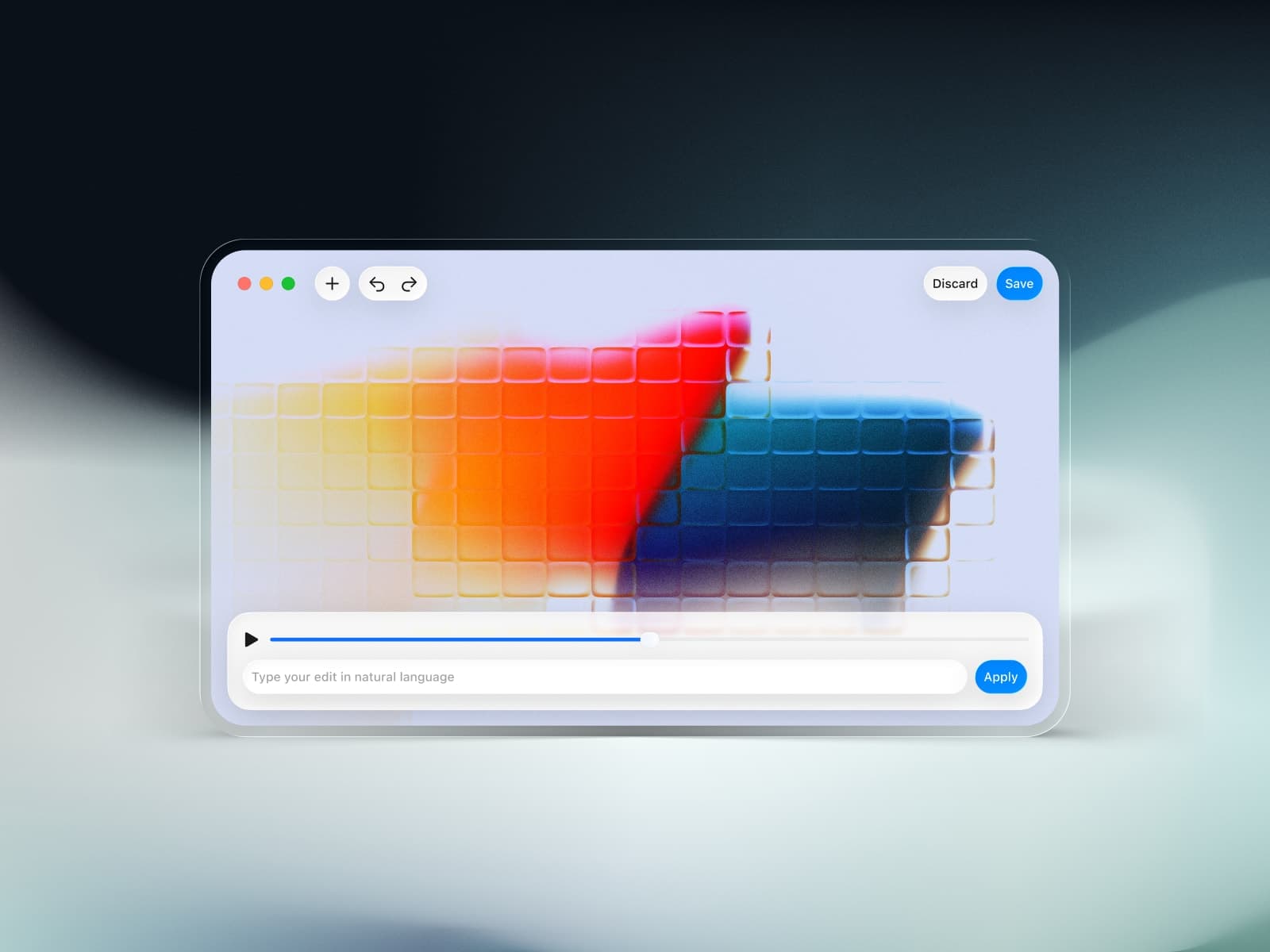
- 11Introducing PromptCut: Edit Videos at the Speed of ThoughtEditing video clips can be surprisingly painful. Even for the simplest tasks, trimming a clip, converting it to a different format, extracting audio, or merging a couple of shots, there’s usually a long chain of steps across different tools. Clicking through timelines, wrestling with export settings, opening yet another app… it all adds friction to the creative process.
- 10How to Export Your Webflow Site and Rebuild It with AI + Deploy to VercelIf you want to move away from Webflow, this guide will walk you through a step-by-step process to migrate your project using an AI assistant to rebuild the frontend and backend, and deploy everything to Vercel with a proper database.
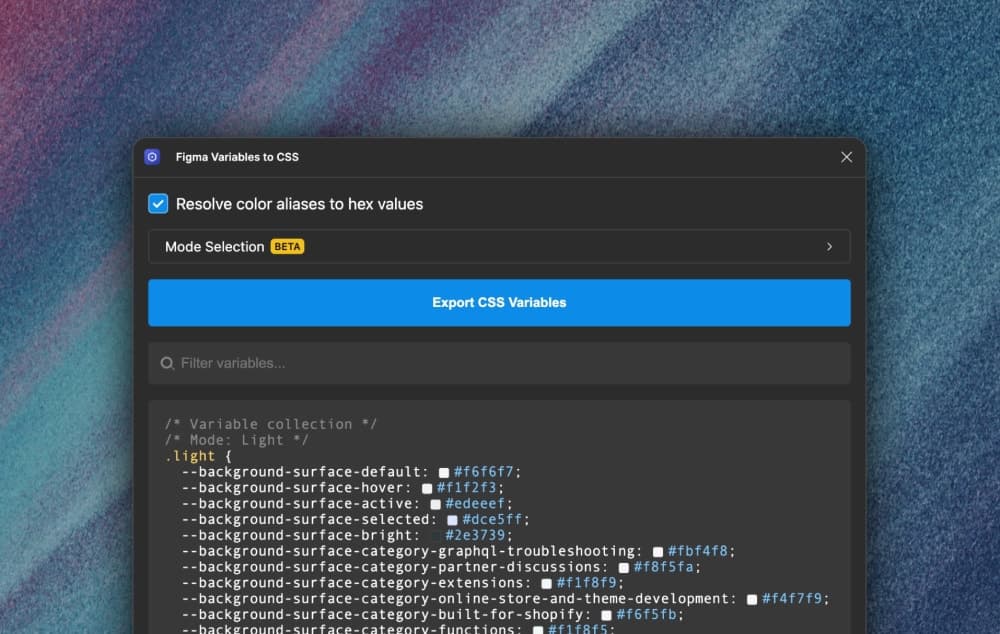
- 09Export Figma Variables as CSS Variables with EaseA powerful tool for developers looking to bridge the gap between Figma and CSS. It allows users to batch export all Figma Variables, dynamically loading collections, resolving aliases, and supporting mode configurations.
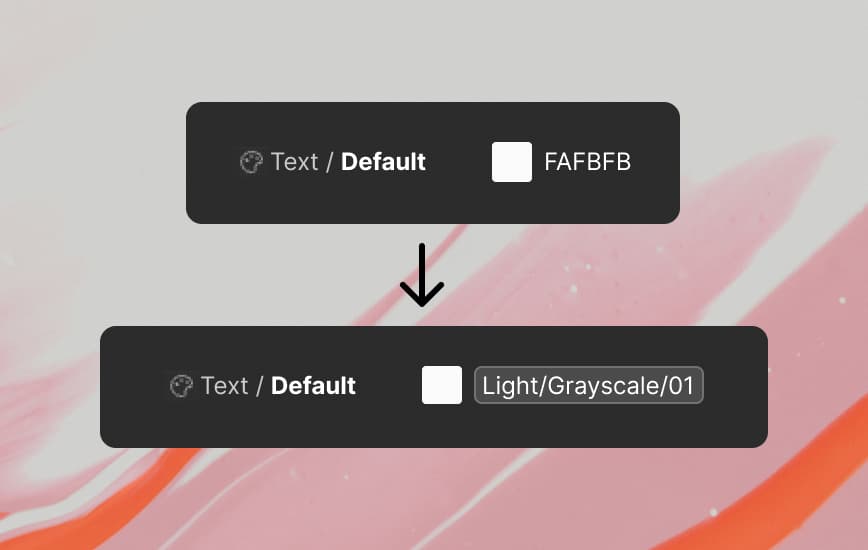
- 08Figma Variables: Hex Colors to Aliases AutomaticallyAutomate the process of creating aliases from one Collection to another. Batch convert hex codes to aliases with this script.
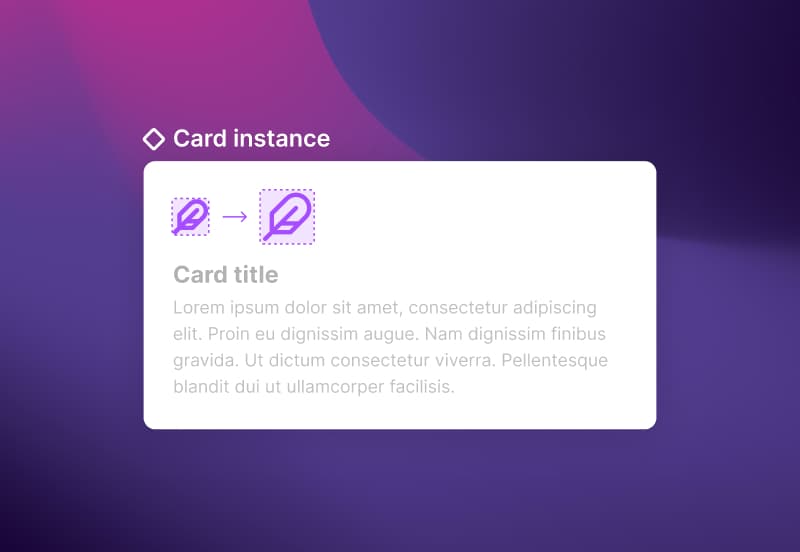
- 07How to Resize Elements of a Component InstanceComponent instances don't allow you to change nested elements' dimensions. This handy little workaround will let you resize anything in your instances.
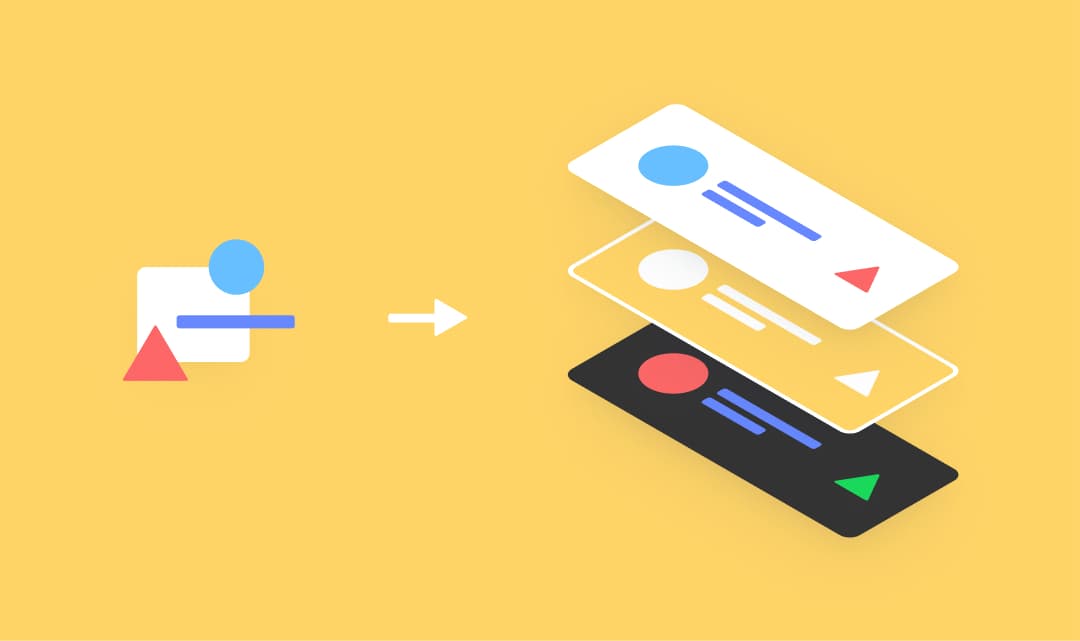
- 06Creating Scalable Components in Figma for Your Pattern LibraryFigma's Design Libraries are very powerful tools to create reusable components and develop Pattern Libraries. However, it's important to set up your components correctly from the beginning in order to get the most out of them. Today, I'll show you the best way I found to set up UI components in order to maximize their scalability across all their design states.
- 05Versatile Image Filters for Figma ComponentsUse layered blending modes and fills to create more versatile image filters across your component instances. When dealing with multiple instances of components, applying image filters across children can be difficult. The Image Filter tool works well but lacks batch editing and changing image files can reset the filter controls.
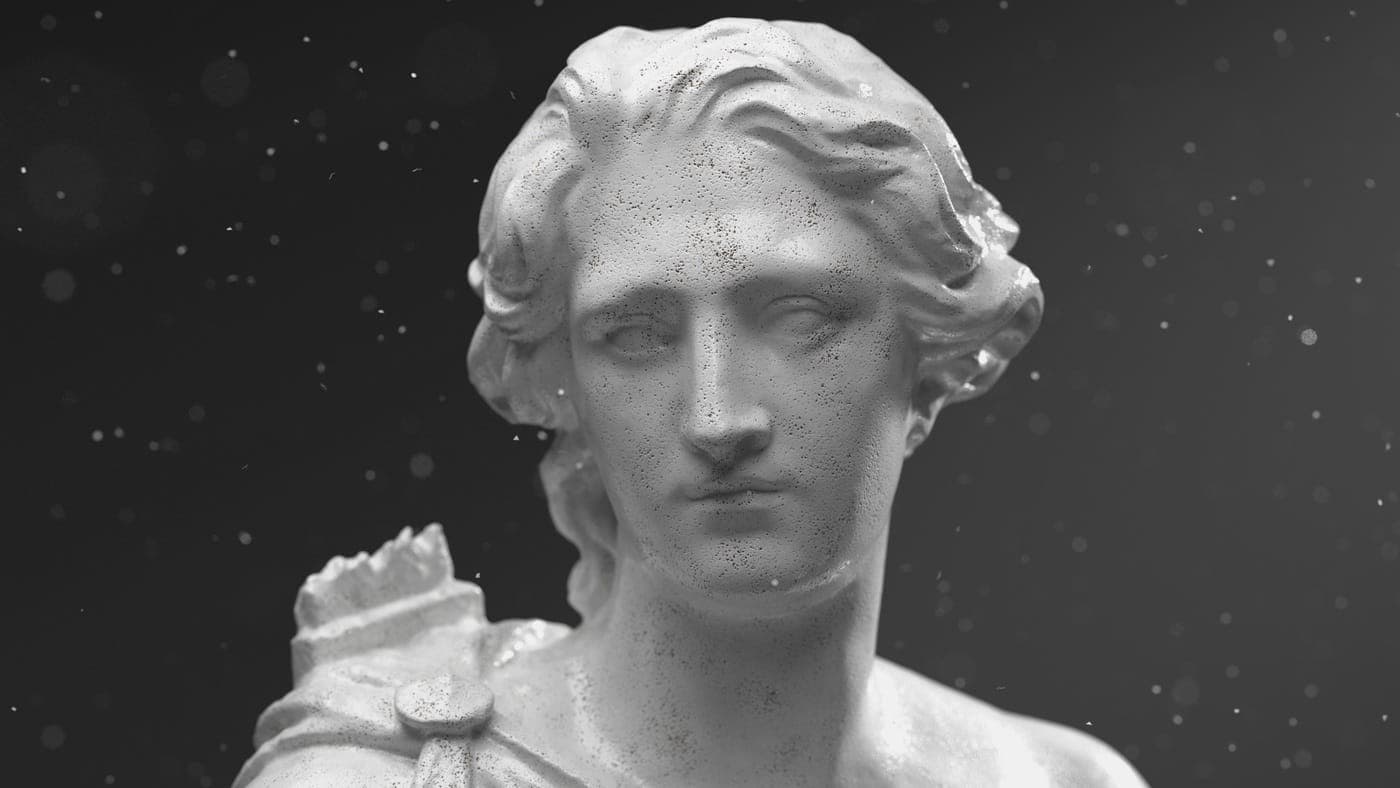
- 04Free Alembic 3D Dust Particles to Use in Your SceneLearn how to make animated 3D Dust Particles and download alembic files that can be dropped into any 3D scenes to add floating particles quickly and efficiently. Additionally, get the original C4D scene with all the controls and objects to create your own 3D dust.
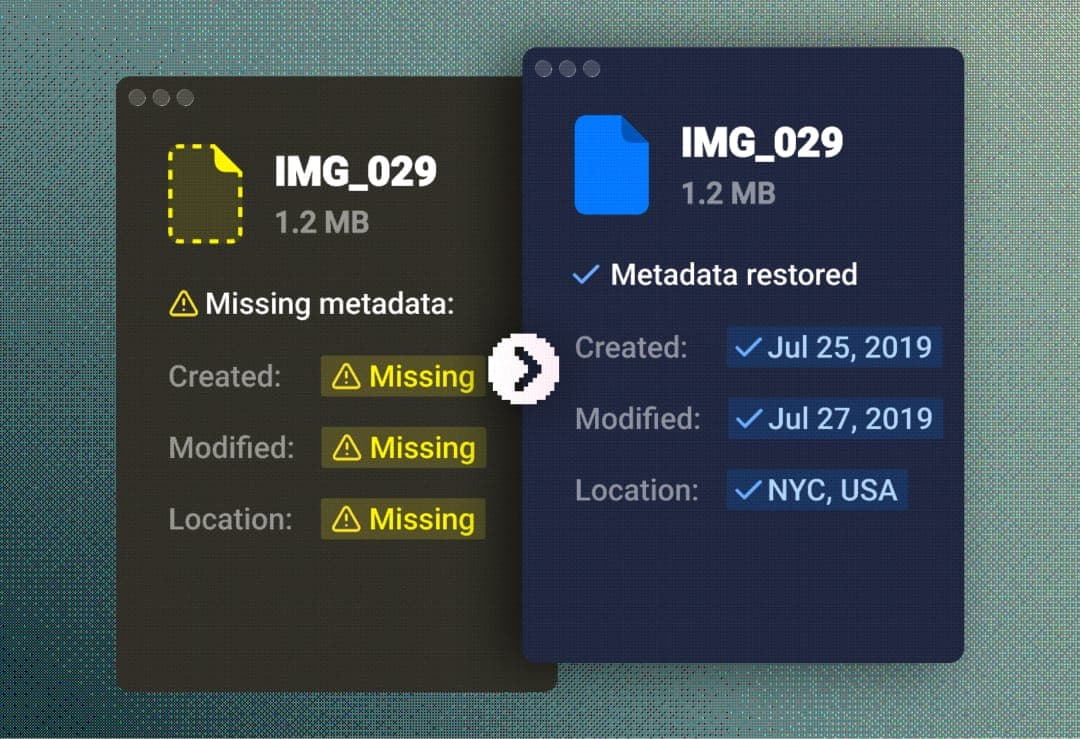
- 03How To Correctly Export And Migrate Away From Google PhotosDownloading your pictures from Google Photos via Takeout Export messes up the EXIF data of images. If re-importing elsewhere, like in Apple Photos' iCloud, it's important to fix that data in order to have a successful import that stays in chronological order and with the correct GPS coordinates.
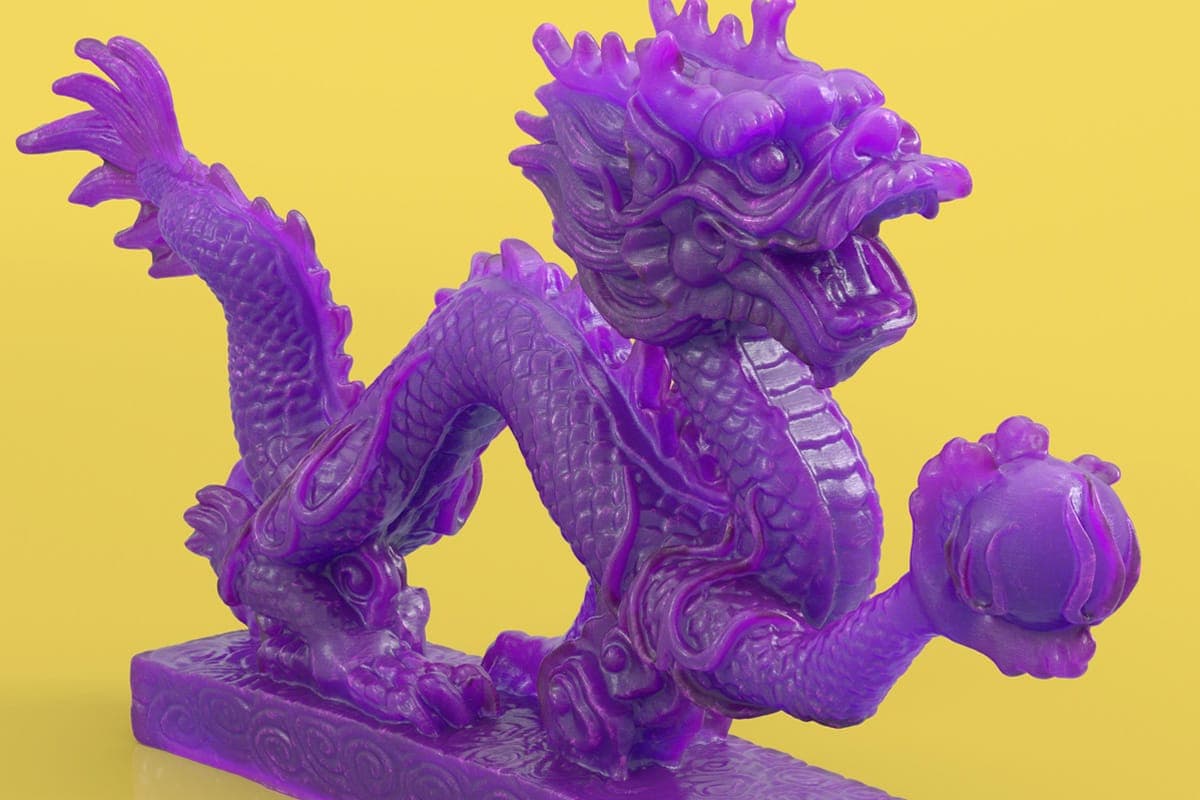
- 02Creating a 3D Print Material in Cinema 4D + FreebieIn a material study of an SLA 3D print material in Cinema 4D with Redshift, I analyze real prints to recreate the plastic look, translucence and horizontal layer lines as closely as possible. Follow the process below and download the source files to try it out yourself.
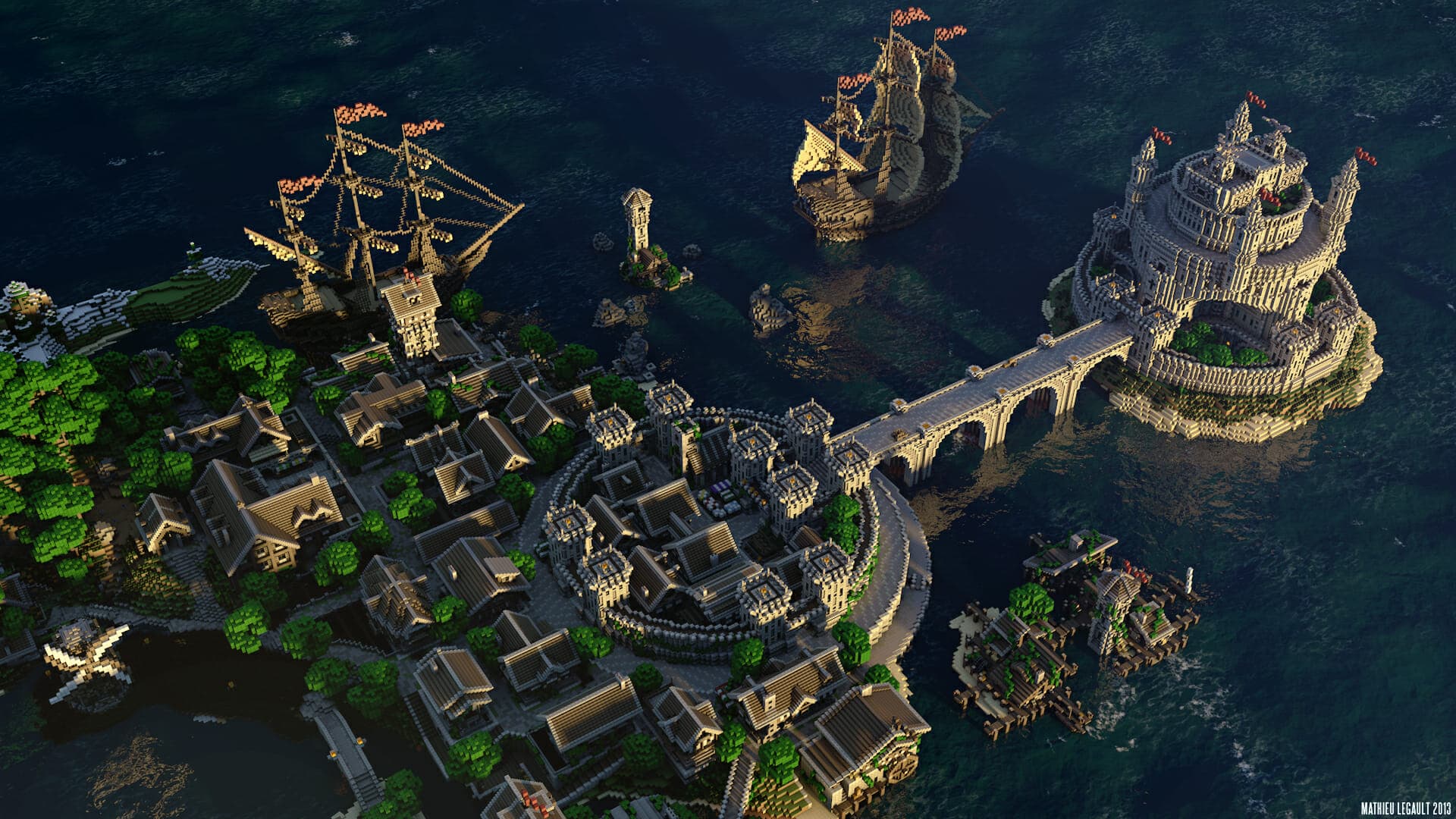
- 01How To Make Beautiful Minecraft Renders In Cinema 4DA tutorial on how to create beautiful and photorealistic renders of your Minecraft worlds in Cinema 4D. The following tutorial is a demonstration of the core steps I go through to make renders. I obviously add and modify things from one render to the other, but these steps are always the same.